How to generate front-end components for an API, while documenting the existing code, and much more
January 30th, 2025 • 15 min read
“How to generate front-end components for an API, while documenting the existing code, and much more“
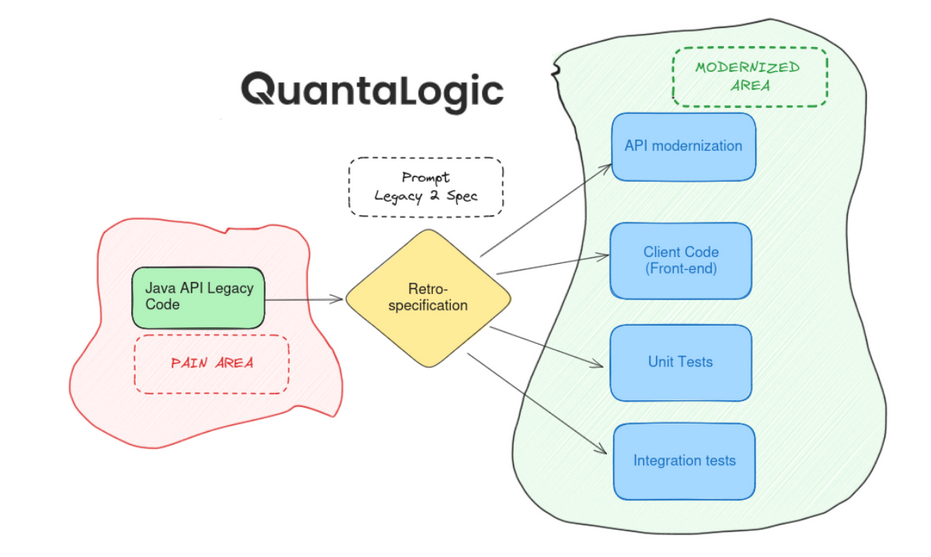
Note This process highlights the power of Generative AI in modernizing legacy code. Analogous approach can be used to create tests, generate documentation, compose training exercises, etc.
From ‘Chat’ to a Complete Pipeline with Prompts and Workflows
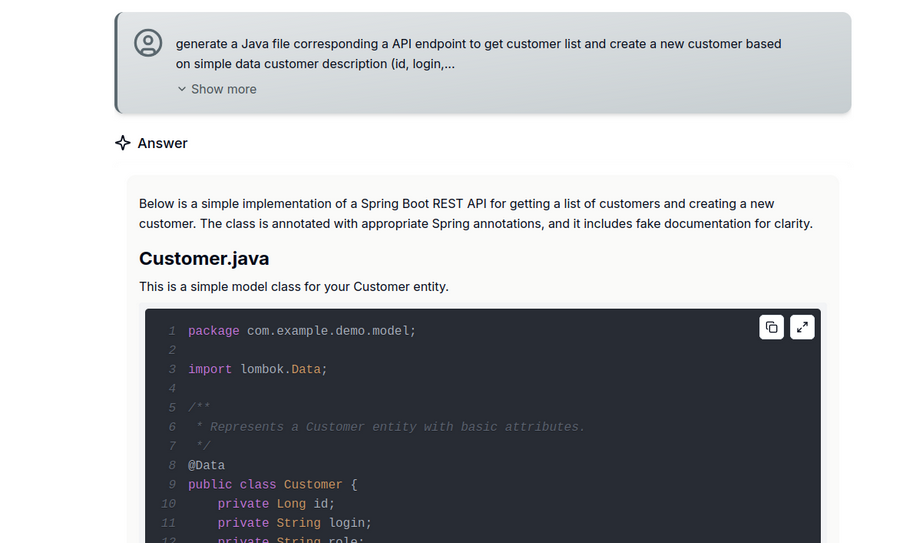
- initiate the Chat session with a prompt similar to :
| “generate a Java file corresponding a API endpoint to get customer list and create a new customer based on simple data customer description (id, login, role). it will be created according to Spring Boot 3.3 specification. add fake documentation at class and method level.” |
|---|
- QuantaLogic generates a well formatted code
-
One may want to create an Angular (or React) code to consume these endpoints. We will break down the process in separate steps :
- Generate a swagger-like definition from endpoints :
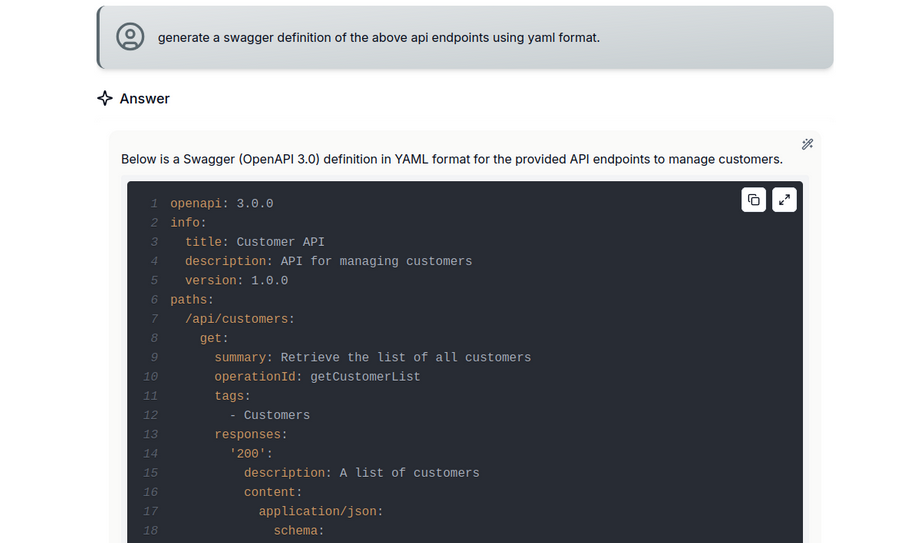
Note : one may improve this request by adding company-specific preferences (for instance Security concerns…). Since this is a need that will arise regularly, it's best to switch to the creation of a prompt.
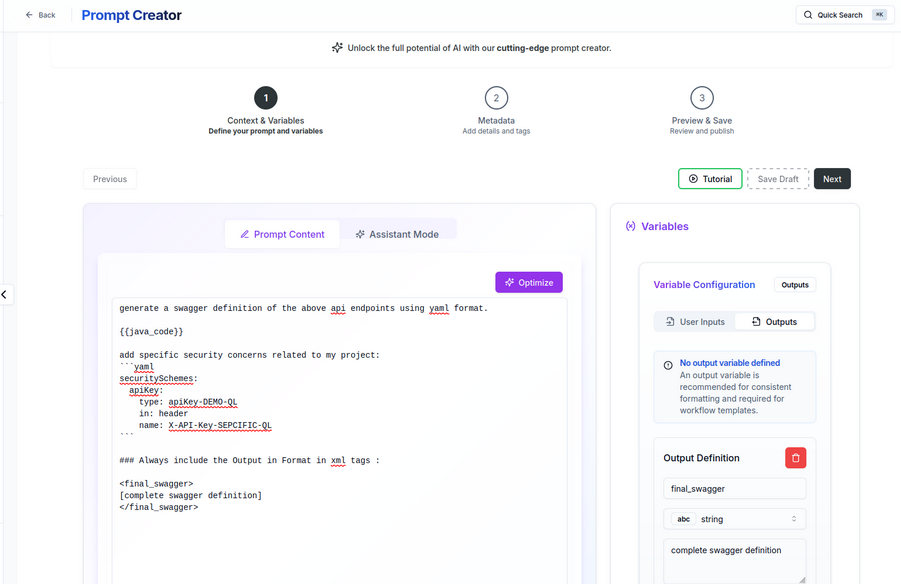
- Once we have this swagger definition, we can ask for Angular code génération. Let’s do it first in the Chat before saving it in a more reproducible way with prompts and workflows
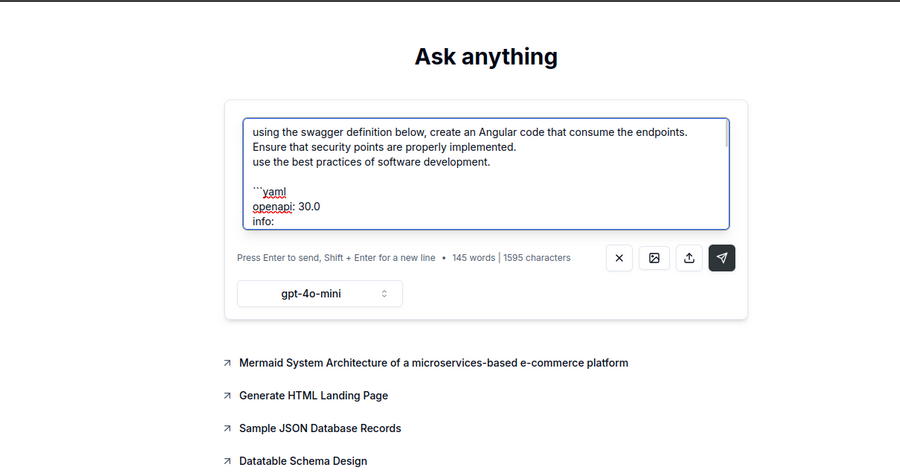
- Generated code implements properly the requirements
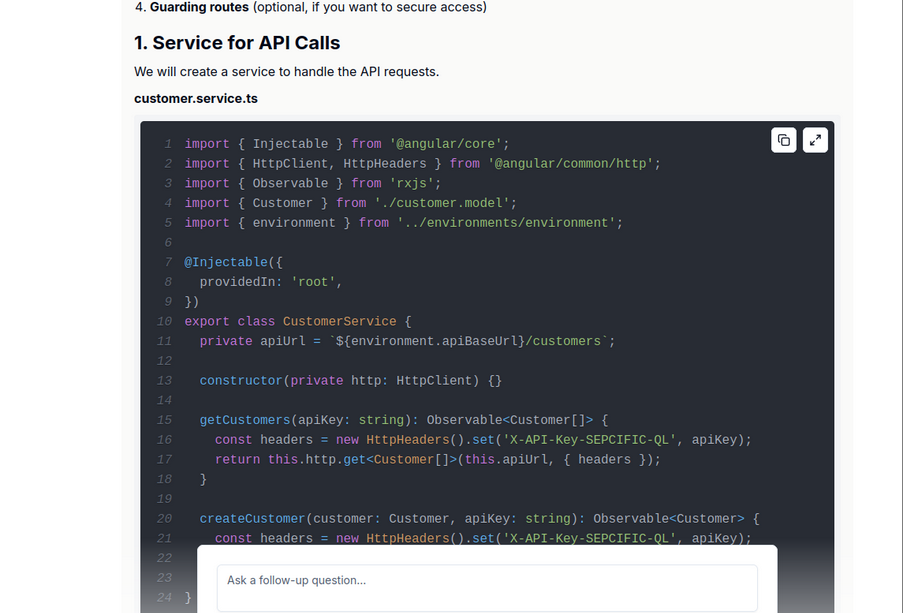
-
The chat is turned into a prompt (Cf. previous step) named ‘Swagger To Angular’
I have used the output variables to create a clear separation between code and tests :
code :
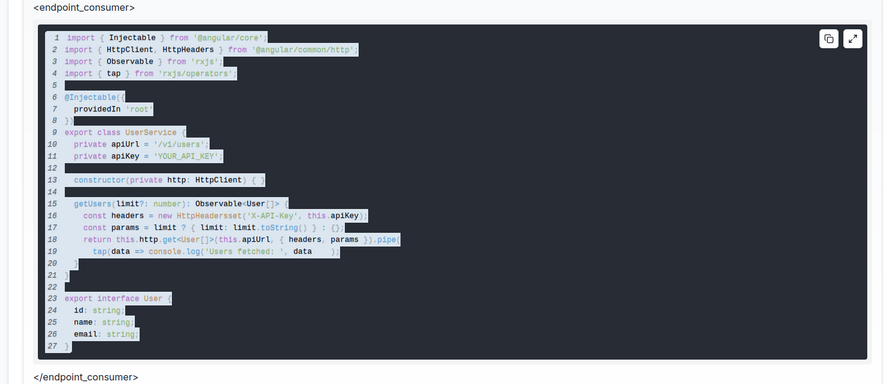
and tests :
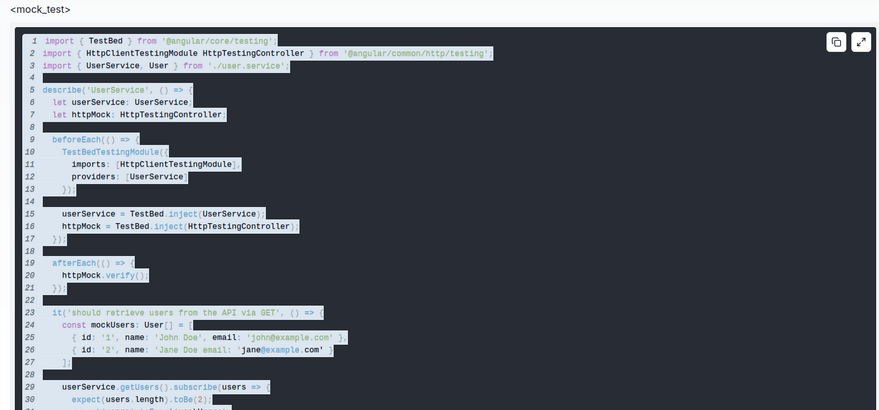
-
Let’s Wrap it in a Workflow
The workflow permits to :
- load a code file (either from local file or document workspace)
- turn the code file content into Swagger with the first prompt
- use the output (swagger definition) as input of the last step (Swagger to Angular)
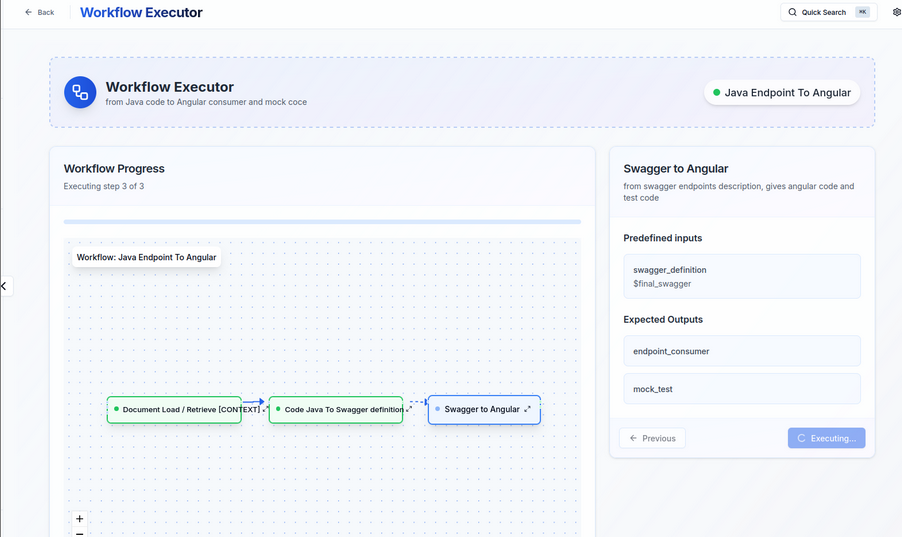
-
We get the full code in different outputs:
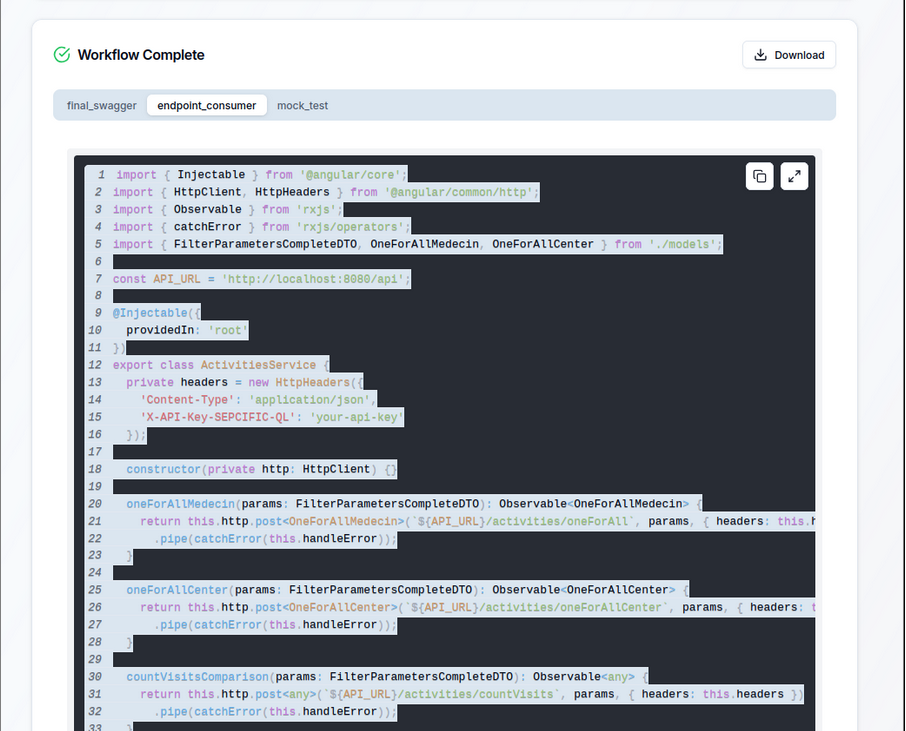
The key points are
- Start with ‘Chats’ to refine your requirements, tests and select the best strategy
- Turn your ‘Chats’ into ‘Prompts template’
- Use the Workflow designer to create a powerful pipeline
- Enjoy the smart automation of time consuming tasks !